 The Invoice Box
Starter
- Quotes and invoices
- Credit notes
- Delivery notes
- Payments and part-payments
- Statements and ageing
- Clients
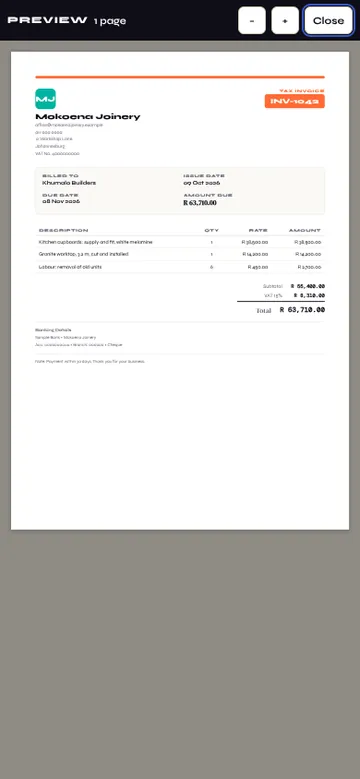
- PDF and share
- Backup
- Your logo
- Use on another device
The complete invoice solution
Quotes, invoices and everything around them, made on your phone. It works offline, and there is no sign-up needed — your data stays on your device.
Get it on Google Play — coming soonAndroid first; iPhone to follow · 14-day free trial of everything
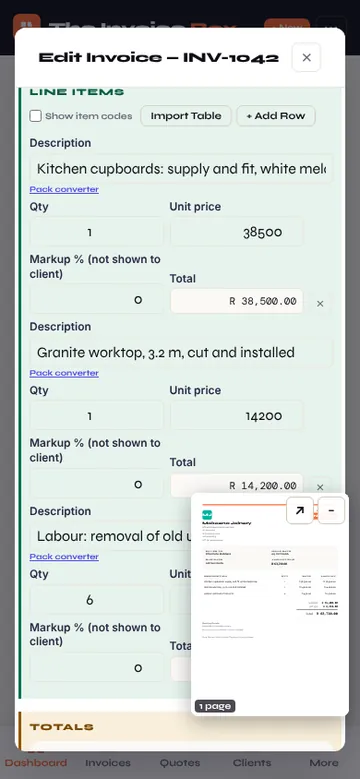
Price a job and turn an accepted quote into an invoice in one step.
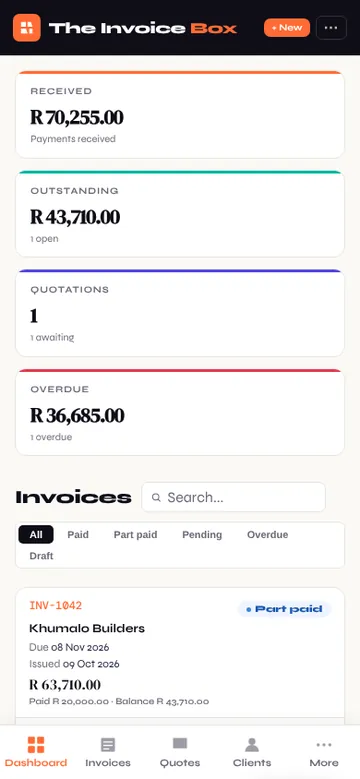
Tax, discounts and payments recorded against each invoice, with paid and overdue at a glance.
Credit all or part of an invoice; the balance follows.
What went out, line by line, signed by the client.
Order from suppliers at cost and record goods as they arrive.
A client's invoices, payments and credits on one page.
Site and job reports with photos and signatures.
No signal on site? Everything still works; nothing waits for a connection.
No sign-up needed — your data stays on your device. Backups are files you keep wherever you choose.
Pricing coming soon — 14-day free trial of everything. Start with every feature, then choose the plan that fits your business.
Everything in Starter, plus:
Coming later: cloud backup, multiple devices and team access.
Subscriptions are handled securely by Google Play.
Questions, problems or ideas: support@theinvoicebox.com